 Back to home
Download
started
When the file finishes saving, open the APK from your notifications or browser downloads list. If this is your first time, follow the steps below.
Check the file from notifications or your browser downloads list.
Tap the saved file and follow your device prompts.
After the app opens, sign up to start the 1-month free trial.
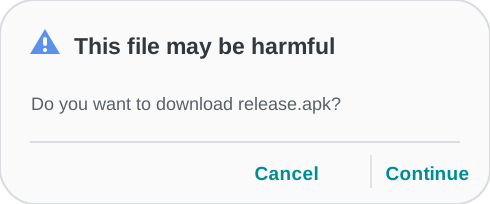
If you see "This file may be harmful"
When downloading an APK directly through a browser, some devices show this confirmation screen. It is a standard message for APK files obtained outside Google Play. Confirm the displayed file name is "release.apk", then choose "Continue" or "Continue download". After saving, open "release.apk" from notifications or your browser downloads list and follow the installation prompts. Once installation finishes, open the app and sign up to start the free trial.